Wednesday, June 17, 2026
How to Launch Your First Plugin – A Checklist

James Russell
Music Software Marketing Consultant
James is a business and marketing consultant for music software companies. He's always on the lookout for new startups with the next big thing.
https://www.eggaudio.com/
As the audio plugin market continues to develop, there are more and more plugins released with each passing week. Your plugin’s launch is your big chance to get attention, and with some luck and some smart work, it can start a snowball effect that continues growing your company for years to come. Getting it right can be crucial, so take some advice from a person who’s done it before.
Through Egg Audio, a marketing company just for audio plugins, I help both new and established companies launch plugins, create media, and position themselves better in the market. I’ve spent eight years launching products or being part of the launch process, and most importantly, I’ve seen sales figures after launches that update my knowledge of what worked and what didn’t.
In this article, I’ve processed almost all of my knowledge on launching plugins to give you a general overview of the process, with specific action points. If you’re looking to launch an audio plugin, you’ll find some ideas of what you might have missed, or can simply compare your proposed launch strategy to this checklist.

Preparing to Prepare for Launch
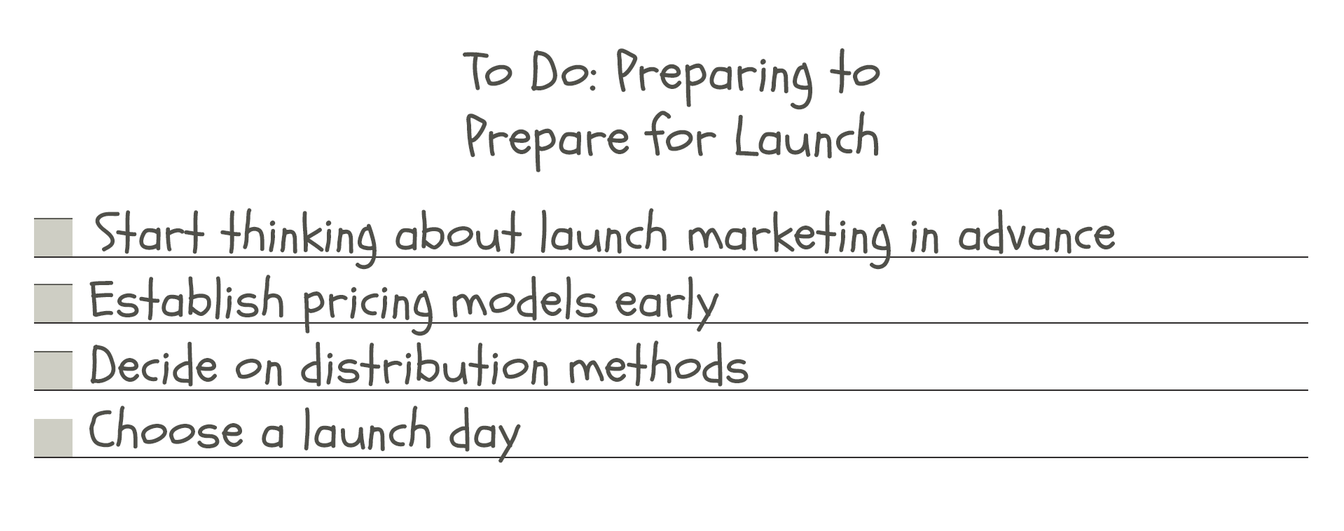
Before we hit the actual checklist, here are some things to consider long before getting to the runway.
When Should you Start Thinking About Launch Marketing?
From the stages in this guide, some should be carried out quite in advance of the launch. Things like arranging influencer videos and creating in-house videos require a long lead time. Other tasks, like product copy and a press release, may be quick but should be carried out well in advance. All this means that you should start thinking about marketing before the plugin itself is finished, and preferably two or three months before launch, give or take.
Pricing Considerations
The earlier you establish your pricing, the better. Understanding the basic pricing models for music software and deciding whether you’ll run an introductory discount on your plugin are two things to pin down, making sure you communicate them as effectively as possible.
The key thing to consider about pricing is to how your plugin compares to its competitors in the marketplace. How do they stack up in pricing and features?
The third factor to consider is your reputation and your existing, addressable audience: if you exceed the feature set of a competitor, you would expect you can price above them, but this is only true if you have a similar reach to theirs.
Distribute Through a Reseller?
If you choose to distribute your plugin through a third-party reseller, some of your launch tasks can be taken over by them, or supplemented. A reseller will give you a wider coverage for your announcements, helping to stoke the fire in the early days, and exactly what they’ll do can often be negotiated upfront. All this should be factored into the overall plan and its timing. Read more about whether resellers are right for you in this article.
Some resellers will fit into your launch by creating content like videos, and adding their social media force to yours, for example. Others may be less involved. Your individual relationships determine what you can negotiate, which determines how this can fit into your wider launch plans.
Choose a Launch Day
You’ll need a date to work to, and when you have this set, the timing of all other actions can start locking into place. General wisdom says to launch midweek, and to avoid summer and winter holidays. I’ve seen launches that completely contradict these ideas, though, so as with all things, it depends on the plugin.
In-Plugin Changes
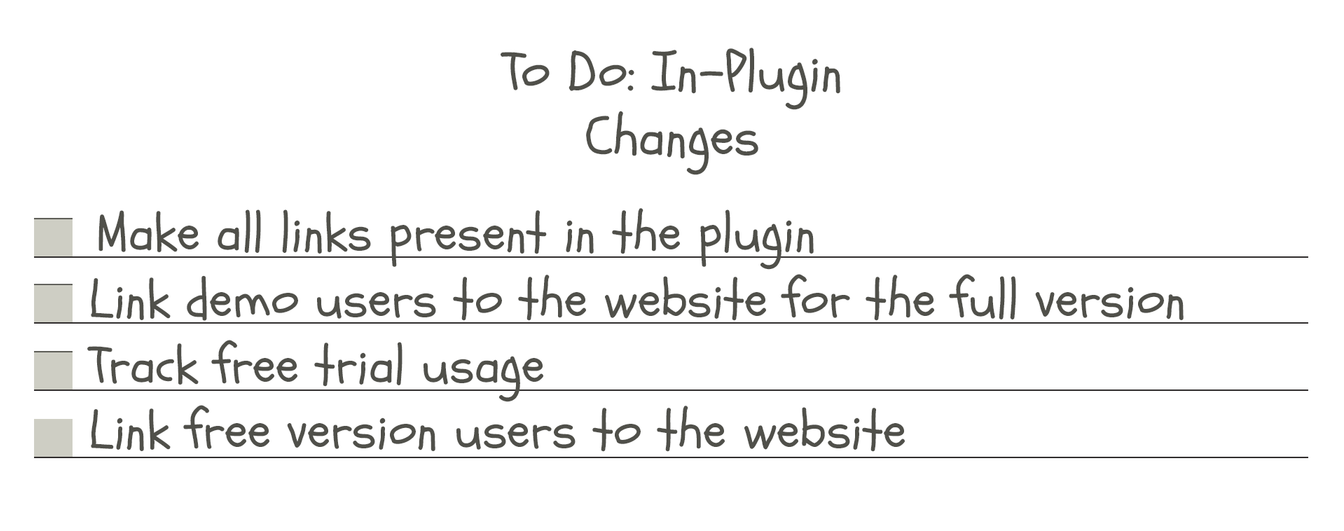
A good amount of marketing can take place within the plugin itself. A couple of weeks or months before you settle on a final build, here are some things to consider:
All Your Links Present
Is your website linked within the plugin? Usually in the Info panel or another utility window. Going deeper, how about your YouTube channel, your social media URLs, and even a sign-up form for your mailing list? I’ve seen people embed videos and tutorials inside plugins, and even a support forum.
It’s all technically good marketing, helping people to get from an initial test drive to a full license.
Links from Demo Version
If you’re using a separate demo version of your plugin, what measures can you take to increase conversion to the full version. In the demo build, or before the full license is unlocked, you could consider including easy links to your website for users to buy a full license.
Once your trial period times out, do you make it simple for someone to buy a license from a link displayed within the plugin itself? Bonus points if you track clicks from the plugin with a ?utm_medium=plugin URL extension. You should find that referrals from it are relatively successful.
Usage Tracking Prepared?
Personally, I don’t usually recommend people to put much if any tracking in a plugin. If you’re expecting users to download a free trial before you send them emails encouraging them to pay for the full thing, it would be useful to know if people had actually launched the plugin in their DAW, activated it, or even downloaded it.
Links from Free Version?
Similar to the trial version, where you’d benefit from adding links to help people discover and buy the full version, ensure that you’ve considered similar things for free plugins. Do you have links to your websites to help people discover other plugins?
I wouldn’t recommend it usually, but to take this to its extreme, you can imagine splash screens, nag screens and others, all with links, dynamic special offers and lots more.

Website
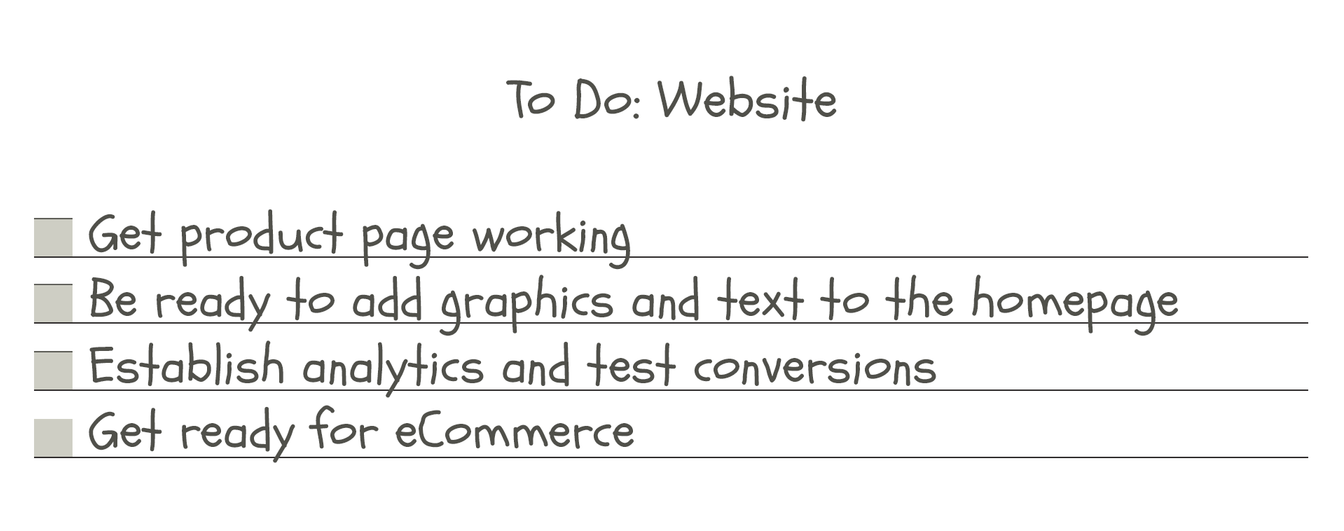
There are plenty of jobs to do to ensure your website is working properly before a plugin launch. Here are some potentials. All should be carried out on a staging page if you’re keeping things quiet, to make sure everything is well connected and working properly.
Product Page
Ensure your product page is working, as detailed in the dedicated section in this article. Ensure the URL is pinned down early, as it will be needed for every public release asset as you produce them.
Homepage
Be ready to add graphics and text to the homepage, including changing any banners to announce the new release, sitewide.
Establish Analytics and Test Conversions
If you’re using Google Analytics, need to install a Meta Pixel, or so on, then it’s time to get this working now and test it works. If you can ensure marketing properties like Google Ads and Meta Ads are receiving the correct Conversions data, then you’re ready for action.
You may also wish to build custom audiences for page viewers, and code Events into the product page. For more advice in this field, check out my guide on What Makes a Good Marketing Back End.
Ready For eCommerce
Ensure you’re running the right system, with the right payments methods, a great, simple checkout, and if possible – with licensing built in, just like Moonbase!
Promotional Videos (in-house)
Video is an almost essential medium for discovering plugins. You see what they look like, you hear what they sound like – only a browser-based version of the plugin is closer to having the real thing in your DAW.
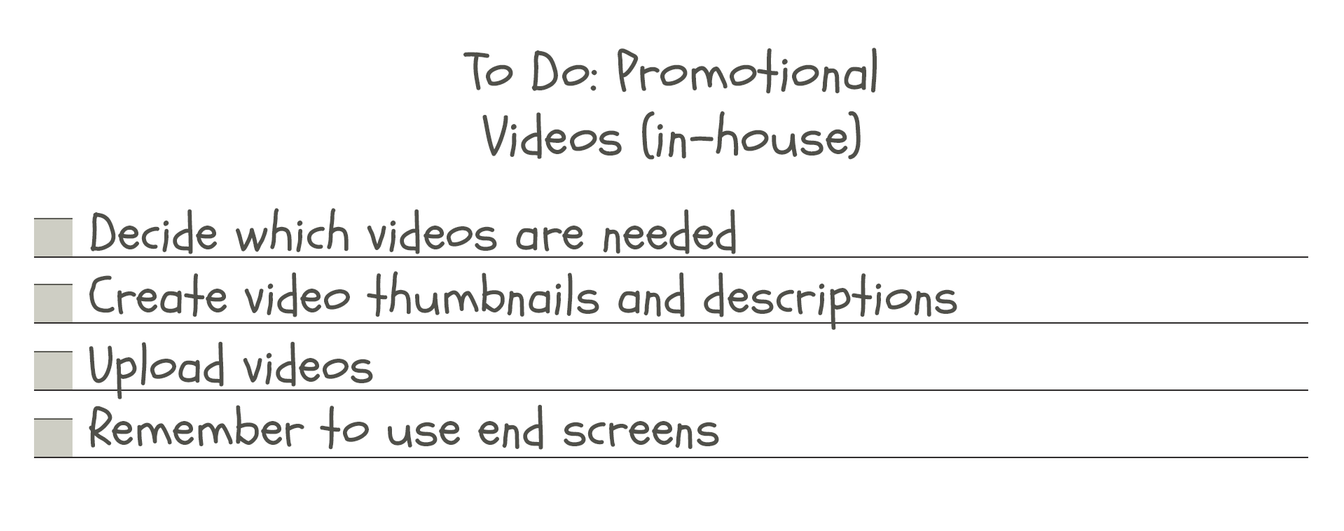
Decide What Videos are Needed
You may have a trailer video, tutorial video, pre-launch teasers, shorts, playthroughs or anything else. It really depends on the plugin itself and the strategy. Either way, you should understand what role the video is playing for your audience, and get started working on it with this in mind.
Create Thumbnails, Descriptions
Think: do you want to be rushing your plugin to market and taking care of lots of last-minute tasks such as designing a thumbnail, writing the YouTube video description and so on? Take care of things like this long in advance, and you’ll have a much smoother, less stressful time at launch, with less risk of breaking other things.
Upload Videos, use End Screens
If you’ve never uploaded a YouTube video before, do yourself a favour and do this as early as possible. Editing the video to include an End Screen (a video link showing for the last up to 20 seconds of a video) is a very useful tactic for pushing viewers from a trailer to another video.

Press Release
Less relevant than it used to be, your press release is (or was) the gateway to getting attention by specialist media. Send an announcement, include a summary, the key information, links to all media, and contact information. This is a decent resource for understanding press work in a nutshell, and here’s a more detailed list, specific to plugins:
Survey the Media Landscape
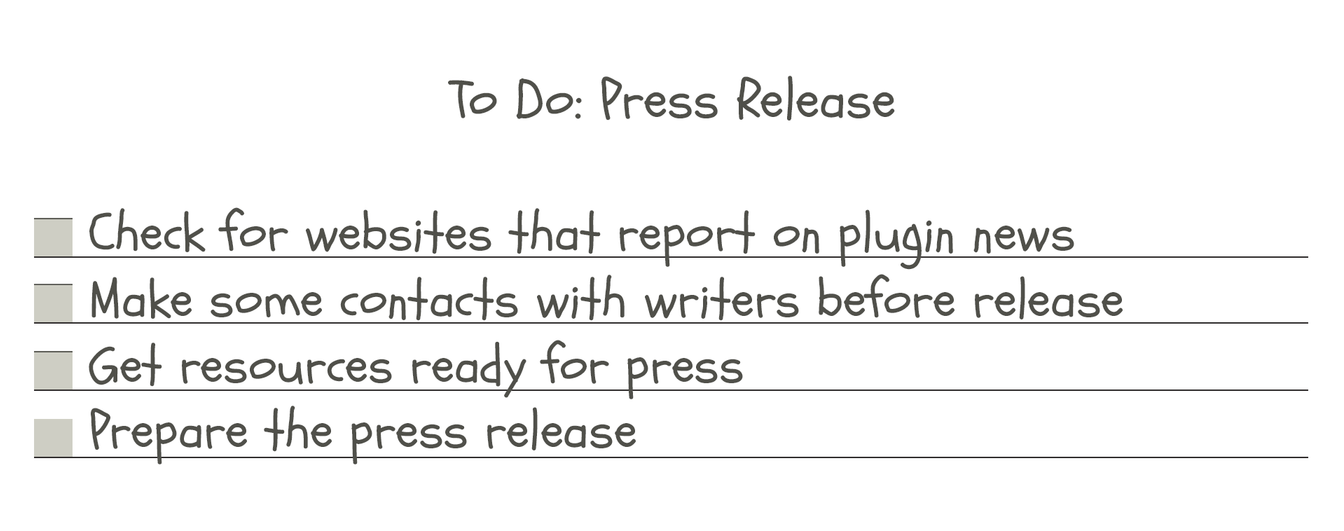
Check for websites that report on plugin news, but be sure to get relevant results. Some websites may just cover hardware, or certain types of releases. Most will supply a contact form on their website, often specifically to submit press releases.
Make Contacts Pre Release?
If there’s a writer at a certain website you think might like your software, reach out early and see if they’d like to be involved early. If you can’t identify a specific person, it’s usually best not to bother people at too early a stage about something they can lose interest in before it’s even on-sale!
Prepare Press Resources
Alongside your press release (or similar communication), you’ll want to send a folder of images that can be used to write-up the story, alongside links to your promotional videos, and the information about the plugin itself. This means the press release is contingent on other assets being ready, so work this into your plans, and don’t be exporting the final version of your video on launch day!
Prepare Press Release
You can lean on your product copy for a lot of this, but there is some standard information that is usually included in a press release. For some examples, check out a few of my own audio plugin press releases from recent years.

Get Realistic About Pre-Launch Hype
Personally, I think that generating a buzz about something before it’s available is usually not the right strategy. When I’ve thought conditions were right to do it, I’ve made some very effective pre-launch campaigns, but spotting those times is rare.
I think that you should only create ‘hype’, ‘buzz’ or other annoying marketing words if you have an established brand or product line, or are working on something that solves a problem no one has cracked before. Even if you have one of those two things, it’s hard to generate anything unless you have an audience of your own who would find your announcements relevant.

Influencer Videos
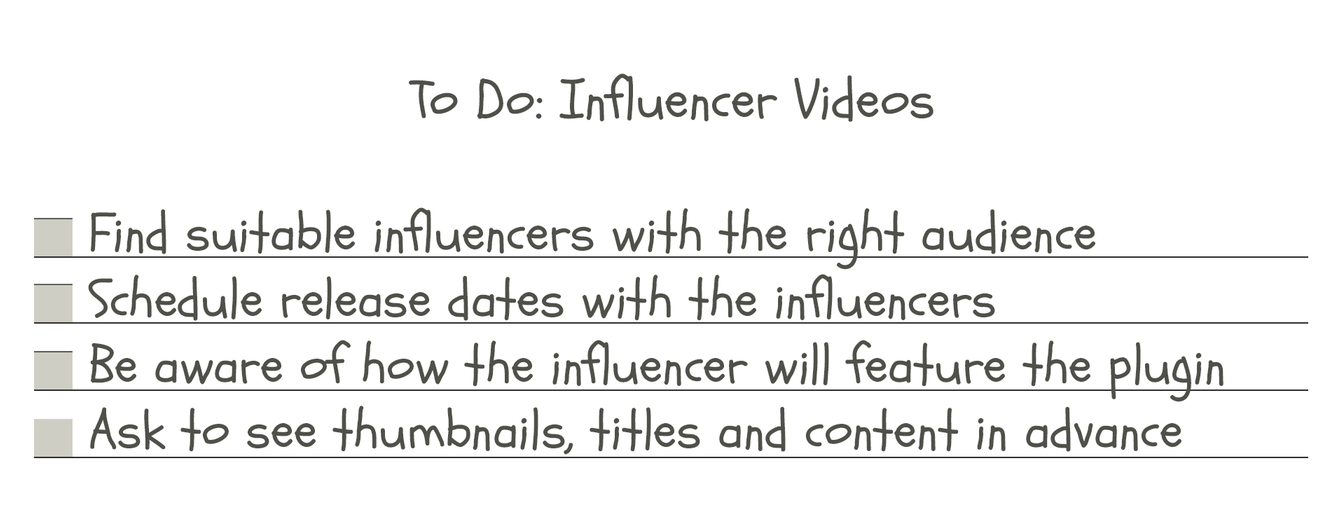
Sponsored videos, sponsored Reels… if you’re looking for an audience, one way to get one is to pay to show your products to someone else’s audience.
Find the Right Influencers
The difference between effective sponsored content and just setting your money on fire? Choosing the right audience. Just as you wouldn’t advertise a lawnmower in a boating magazine, you shouldn’t give an effects plugin to a channel whose videos are all about synths. You shouldn’t give a digital effect to a channel all about analogue emulations. You shouldn’t give a mastering plugin to a creative beatmaker.
Schedule Publication for Launch
Some YouTubers have busy schedules, and it can take a while to learn a new piece of software in order to make a video about it. Starting off at least a month in advance is preferable, but this isn’t always possible depending on the person, the plugin, and any other circumstances. It’s not so bad for videos to come out after the plugin has launched, but the ideal result is to have them all come out on the same day as the plugin, your own announcement, and everything else that might be seen.
Get Previews of Thumbnails / Titles / Content
Not everyone will grant this, but it’s ideal to get previews of the video’s title and thumbnail before its release. Generally speaking, trust your influencer and their knowledge of their audience, but you should also be aware not to let the video sell your plugin too specifically – it’s usually better to be used incidentally in a video on a real subject (“integration” in marketing speak), than to have a video focusing solely on your plugin that nobody will want to watch.

Gather Quotes and Opinions
Testimonials are essential parts of the marketing puzzle. In today’s world of online scams and ropey products, having a few smiling, even well-known faces on your website can help put people at ease about your software’s legitimacy. It’s time to get some quotes from some trusted people.
If you have a team of beta testers, or if you’re having presets made, there are already plenty of options for people to provide you with quotes.
Otherwise, you should get in touch with your network, or any other artists you respect to potentially provide you with some testimonials for your website.
Product Copy and Webpage
General Product Copywriting
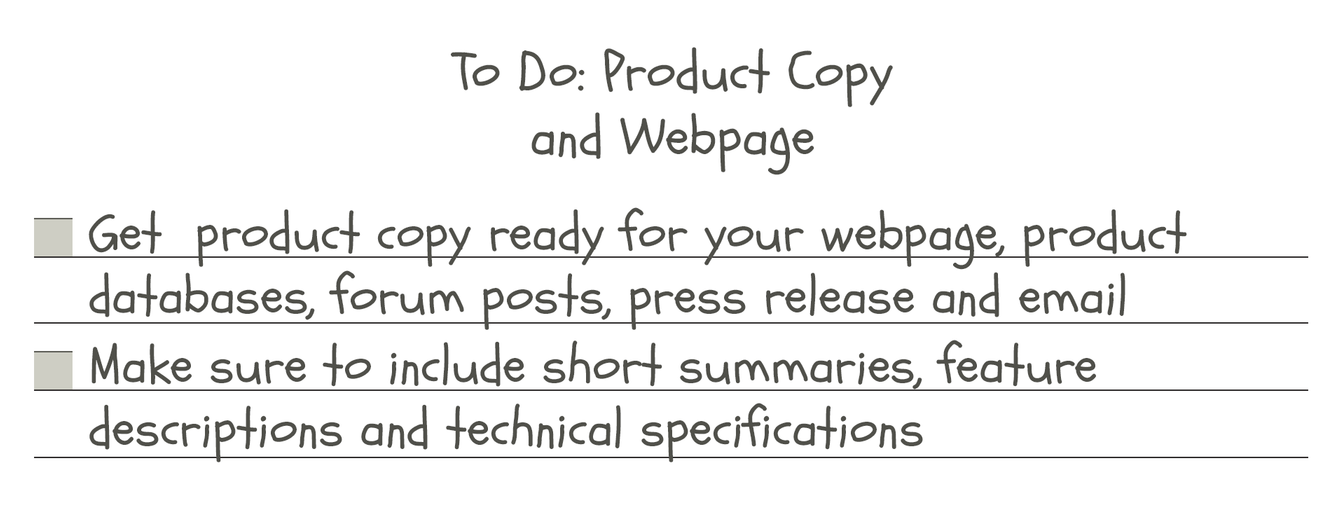
Your website is only one place you’ll need to describe your plugin. You’ll need texts ready for…
- Webpage
- Product Databases
- Forum Posts
- Press Release
Things to Include
- Four-word summary
- Ten-word summary
- One-sentence summary
- Feature by feature descriptions
- Bullet-point features list
- Technical Specifications

Email Marketing
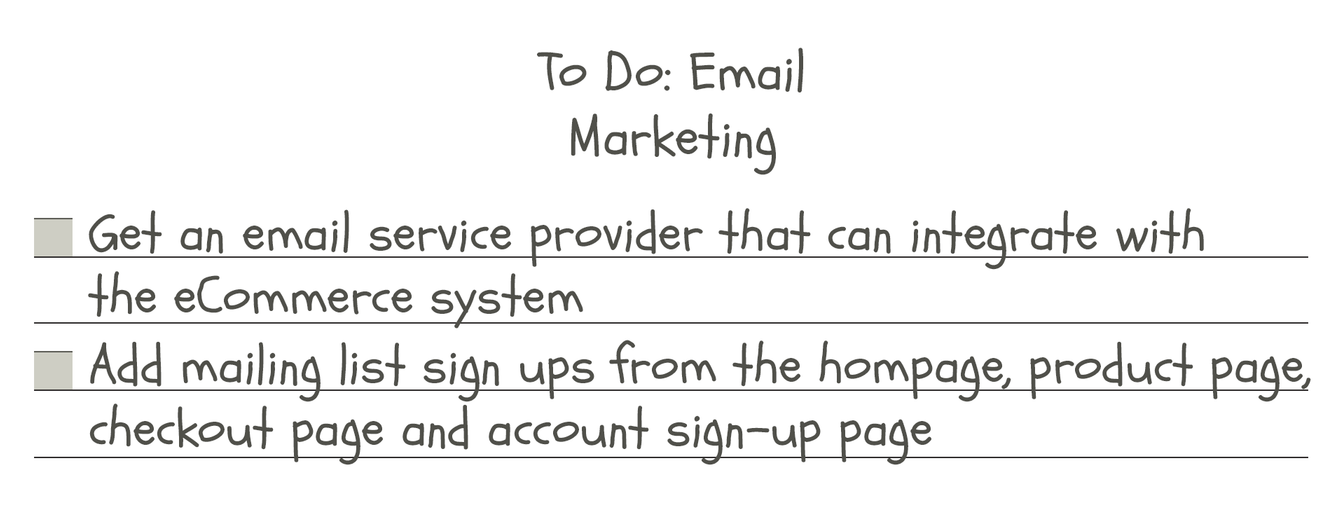
Depending on the size of your email list, or your ability to contact them through other means, you may go a number of different ways here.
Get an Email Service Provider (ESP)
Choose a provider that offers the functions you need, but most importantly the integration that will be necessary with your eCommerce system.
Moonbase integrates with popular providers like Brevo, MailChimp, MailerLite and Klaviyo, passing along information on who has trialled software, who has bought it, and often who has activated it as well – depending on the circumstance.
Add Mailing List Sign Ups
On your website, ensure you have a mailing list sign-up form on your homepage and product pages. Also implement an opt-in for your mailing list on your checkout and account sign-up pages. It’s even possible to have a sign-up form within your actual plugin, if you’re a true completionist.
You’ll have to pay attention to the rules around email consent in order to do this properly. Remember, the laws are different across countries and even regions within countries, so the worldwide best practice is usually the safest to follow. Do your own research, but at the time of writing, the essential rules are to use opt-in forms only, which clearly state what sort of emails you’ll send the person (truthfully), and which third parties (for example your ESP) will also have people’s information.

Final Launch Procedure
You’ve made it this far, let’s talk about launch day. Here’s a generalized checklist for what should be done on launch day, in what order. It may change depending on different plugin types, company size and so on, but this is an idealized rundown of the process as an overview.
- Web page / New product page live
- Final confirmation: Test purchase of plugin on site (including resellers if applicable)
- Publish YouTube videos (in-house)
- Publish plugin on software databases
- Send Press Release (use email and contact forms)
- Advise sponsored video creators that they can publish any time
- Post on Forums
- Announce launch on social media
- Send email newsletter to subscribers

Too Much to Handle?
Hopefully, this checklist has provided a measuring stick to check your plans against, and you’ve been able to add a couple of steps to your process because of it. If I’ve given you more jobs than you can handle, get in touch for personalized marketing support and consultancy.
Upgrade your business
Ready to get started?
Set up your storefront, licensing, and payments in one place. No duct tape required.